Add filters button in the top-left corner of the table or press F on your keyboard.
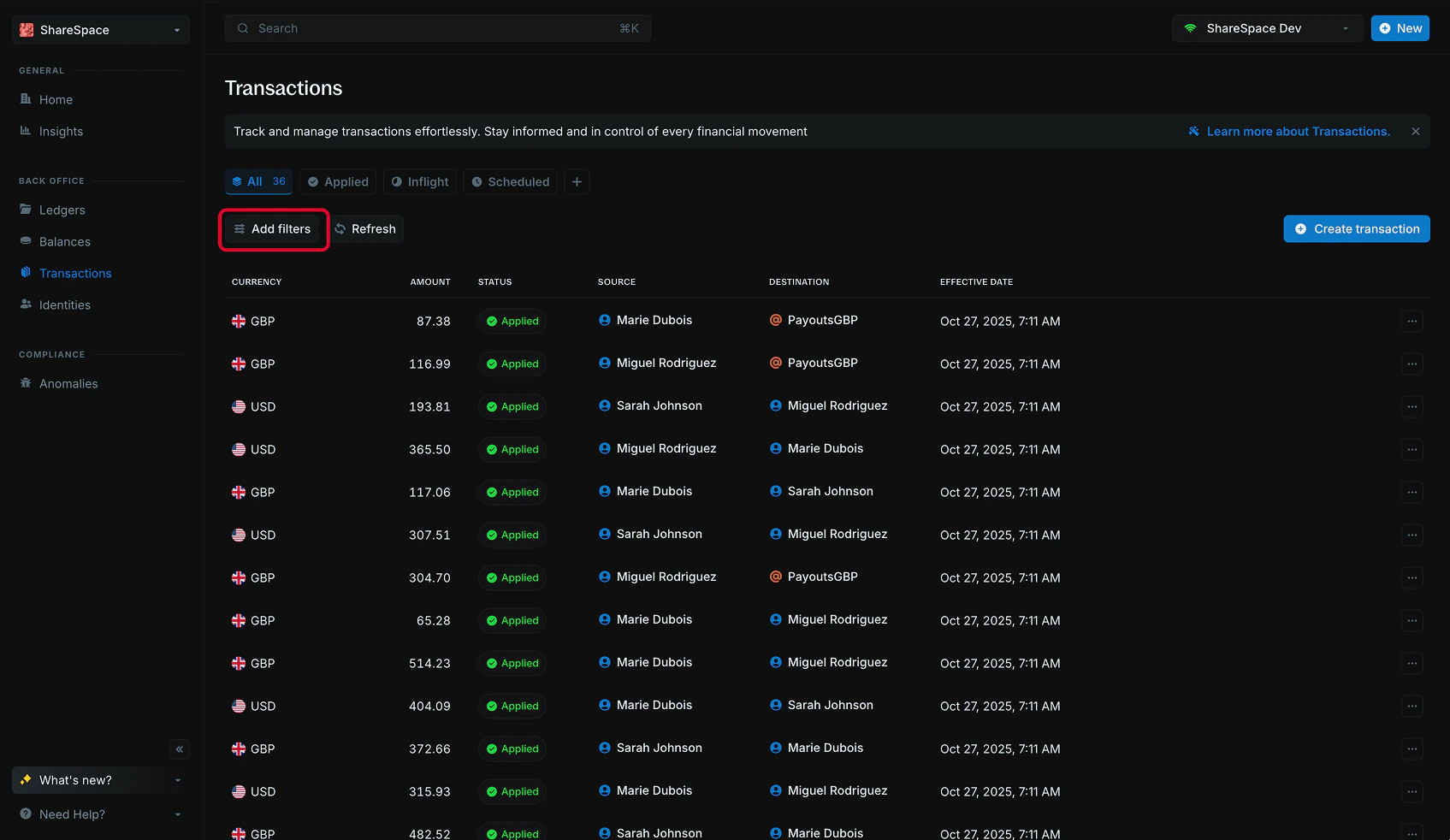
Apply filters
PressF to toggle on filters on any table. You’ll see a new filter panel appear at the right hand side of your screen.
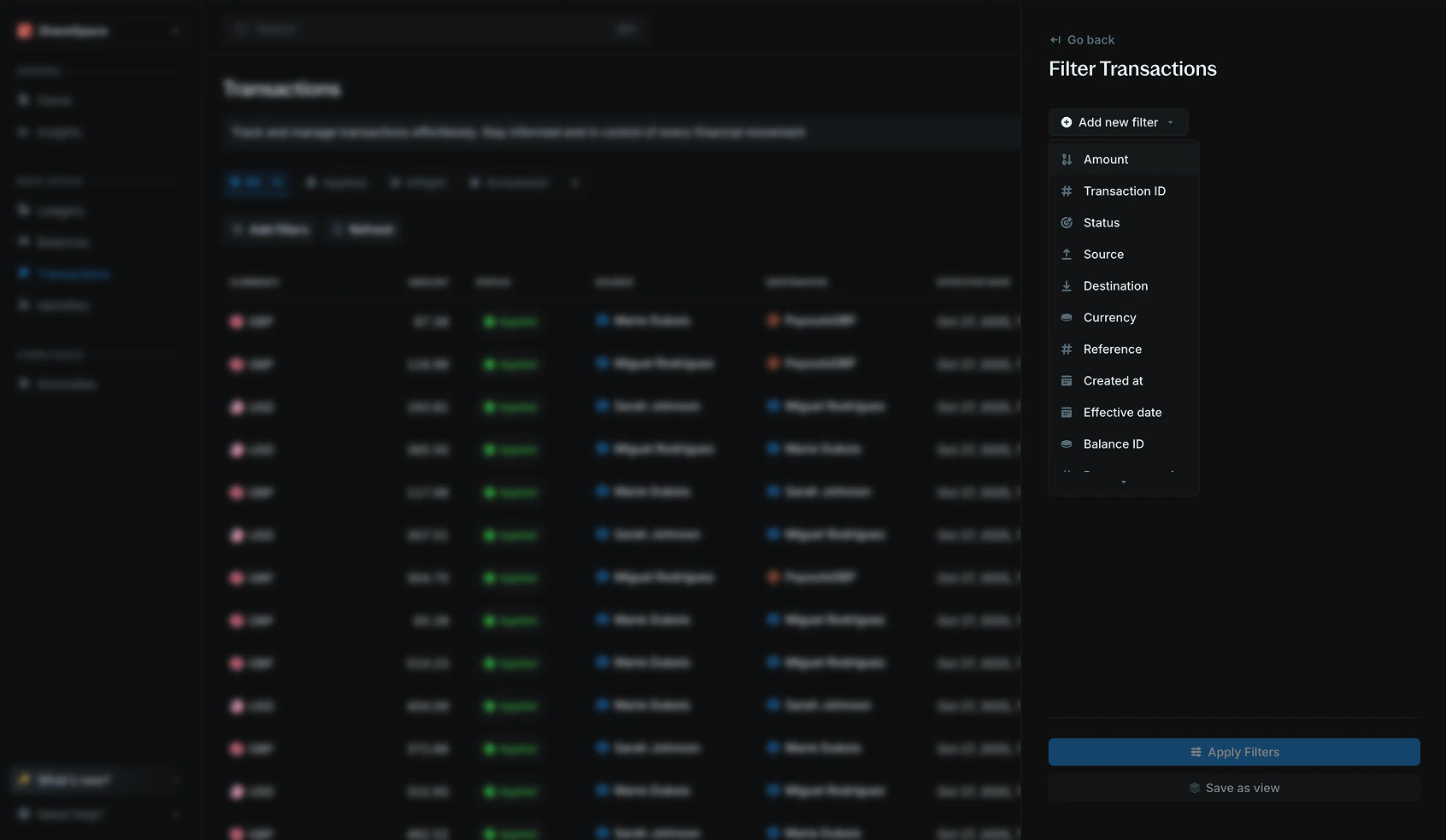
Apply filters to update the table:
Available filter operators
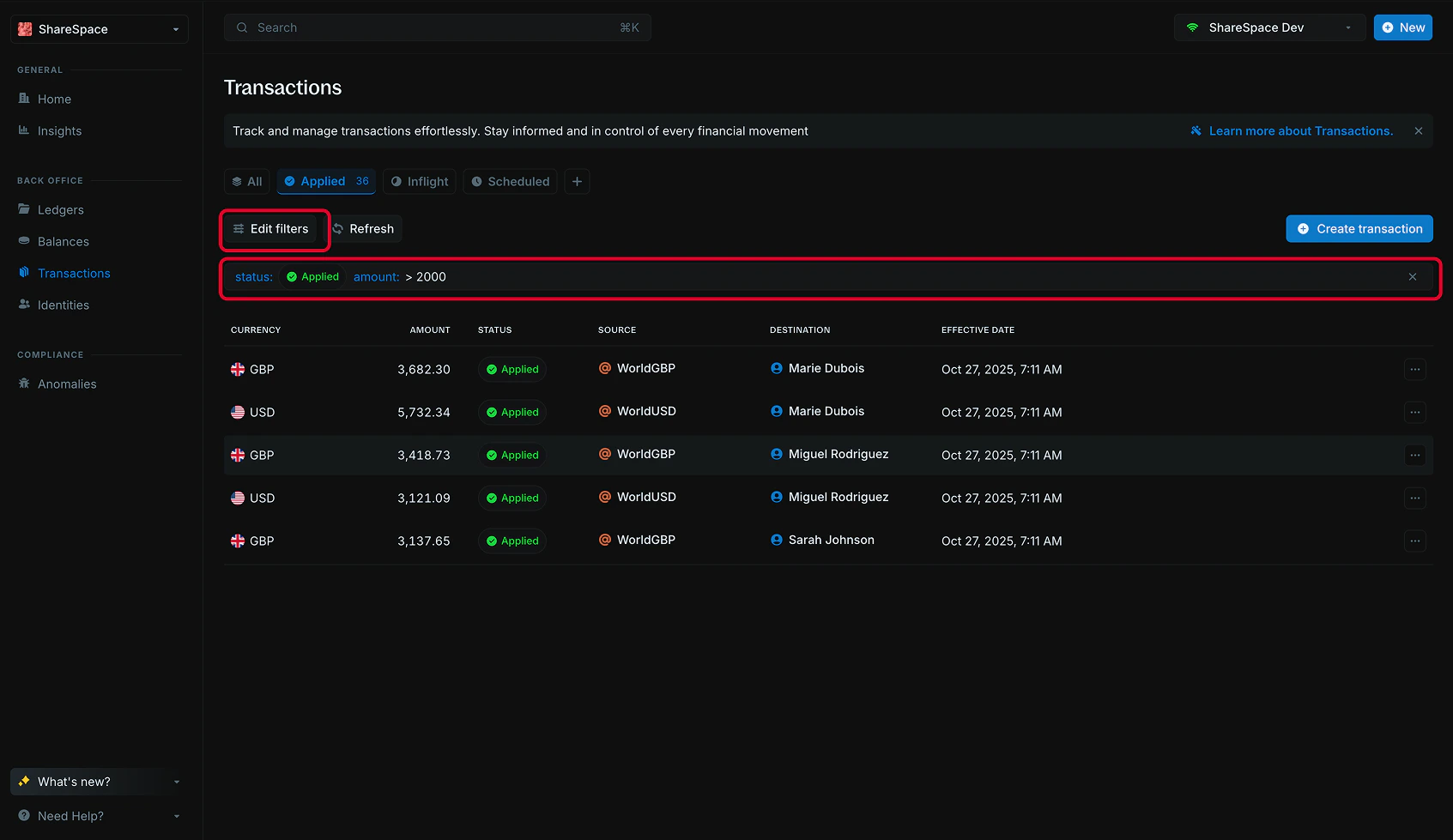
Edit filters
To edit filters, click theEdit filters button at the top-right of the filter panel or press F on your keyboard. You can also click directly on the filter bar to update or change an existing filter.